
Randolph County Court Docket Searches
Start your Randolph County court docket search at the North Carolina eCourts Portal. Pick Smart Search there. When a location filter appears, narrow it to Randolph. The tool displays a Case Summary, sometimes called a Register of Actions. It updates close to real time. Think of it as a research aid, not the official court record.
Search with the best identifier you have. A case number beats a name most of the time. Still, a party-name search works when the number is unknown. Before trusting a hit as your Randolph County matter, check the case number, assignment, parties, and event dates against what you know. For a hearing that is coming up soon, turn to Search Hearings. Do not guess from an old event.
- Open the Portal and select Smart Search.
- Enter a record number or party name and narrow to Randolph County.
- Use the available case-type, status, date, and party filters.
- Read the Case Information, Assignment Information, parties, Case Events, Hearings, Dispositions, and Financial Information where shown.
- Use Search Hearings for a current setting, or ask the clerk for an official copy.
Note: A no-result is not proof that a Randolph County court case never existed.
Randolph Case Summaries Online
Smart Search is how the public reads Randolph County case summaries online. It is a view into the state system, not a county database of its own. Randolph joined the Portal and Enterprise Justice on October 14, 2024. Anyone can search available information without an account. With an optional account, you can save cases to My Cases. Restricted material stays outside ordinary access either way.
The Portal training resources walk through filters and search practice. Public summaries and images often appear within minutes of upload. Processing and restrictions can delay them. Documents download one at a time. When a public image is missing, it may be restricted, older, not yet indexed, or still sitting in the clerk file.
For the bigger picture, the official eCourts information lays out the statewide system. It stands behind Randolph's search route.
That statewide system connects a public Case Summary to the record the clerk holds. It does not replace the clerk's certification role.
| Portal route | Best use | Randolph fallback |
|---|---|---|
| Smart Search | Case Summary and public activity | Clerk terminal or paper file |
| Search Hearings | Current hearing time and location | Trial-court office |
| NC Judgment Search | Judgment index | Smart Search for the fuller summary |
Court Dockets: What They Show
In Randolph County eCourts cases, the Portal's main screen is the Case Summary. Its dated list of docket events is the Register of Actions. The summary opens with core case and assignment details, then names the parties. Civil, family, probate, and mental-health matters may also state a cause of action.
Read events in date order. Each type of entry plays its own role. A filing, an order, a hearing, a continuance, a disposition, or a financial entry all mean different things. One caution matters here. A past hearing stays in the history even after a case moves. A dated entry does not promise the next court appearance. Labels also vary by case type and local entry practice. No verified Randolph abbreviation key exists.
| Case Information | Basic case description, number, and status data. |
|---|---|
| Assignment Information | The court or judicial assignment connected with the case. |
| Party Information | Participants and roles; public date-of-birth display is masked. |
| Case Events | The chronological Register of Actions. |
| Hearings | Appearances shown in the summary; confirm current timing through Search Hearings. |
| Disposition and Financial Information | Outcome and applicable monetary information where displayed. |
The Randolph -750 Case Number
An Enterprise Justice case number has four working parts. You get a two-digit year, case-type letters, a six-digit sequence, and a three-digit county identifier. Randolph carries the identifier 750. The training example, 21CR000003-910, uses a different county. It shows the pattern without pointing to a real Randolph case.
That ending matters more than it seems. It separates lookalike records from across the state. That is why a full case number often beats a broad name search in a docket lookup. Missing pieces? Search by name with filters instead. There is no need to guess letters or digits. Portal rules allow a case wildcard after four characters and a last-name wildcard after three.
- Case Summary
- The Portal’s public record view for a case.
- Register of Actions
- The chronological list of Case Events in that summary.
- Disposition
- The recorded result or status of a charge, claim, or case.
- Continuance
- A court-approved move to a later setting.
Randolph County Courts and Their Dockets
Randolph sits in Superior Court District 37 and District Court District 37. The state runs no separate county court for these files. There is no city court docket either. One Asheboro courthouse and a unified clerk structure serve both trial divisions. Superior Court takes felony cases, civil claims over $25,000, and appeals. District Court handles misdemeanors, traffic and infractions, family and juvenile matters. Civil cases at or below $25,000 go there too. Magistrates serve as District Court officers. Estates and special proceedings go through the clerk.
| Court or office | Docket covers | Where to search or ask |
|---|---|---|
| Superior Court | Felonies, large civil claims, appeals | Portal, Clerk, Superior Court office |
| District Court | Misdemeanors, traffic, family, ordinary civil | Portal, Clerk, District Court office |
| Magistrate / Small Claims | Small claims and limited preliminary matters | Portal, Clerk, magistrate contact |
| Clerk matters | Estates and public special proceedings | Portal when public, Clerk terminal or file |
The Judicial Branch court overview describes this division of work.
An appeal can open a new court docket path. So confirm the later Superior Court number instead of trusting the old District Court entry.
Search Hearings Finds Current Settings
A Case Event only tells part of the story. For a current date, time, and location, the eCourts Search Hearings tool is Randolph's stronger route. Select Randolph. Pick a hearing type. Set a date range. Then search by case number, party, business, attorney, bar number, judicial officer, or courtroom.
The official Search Hearings guide lists every search type. Hearing Type covers Civil, Criminal, Family, Probate or Mental Health, and All Hearing Types. You can sort the result grid by column. One gap remains. The official materials do not promise a listing will say whether a hearing is remote or in person.
When a fresh calendar result clashes with an old entry, let the calendar lead the way and verify it. Check Case Events, consult the local schedules page, or call the court office.
Court Dates and Settings in Randolph County
Randolph County civil and criminal calendars open through more than one door. Search Hearings is the current-calendar route. The local schedules page links civil and criminal calendar endpoints, monthly District Court judge schedules, and Superior Court administrative settings. When a detail stays unclear, the clerk and trial-court offices remain the direct confirmation path.
Civil calendar-request forms tell you why a setting exists. District Court forms name motions, divorce, jury and non-jury trials, motor-vehicle negligence, pretrial hearings, small-claims appeals, support matters, contempt, and other requests. Superior Court forms list the requested term, motion or hearing type, estimated time, readiness, and service. Filing forms, though, are no substitute for an actual calendar search.
For a closer look at dates, see the Randolph County court schedule. Note: confirm the newest setting with the proper Randolph court office before you appear.
Randolph's October 2024 eCourts Shift
Randolph County moved into eCourts Track 6 on October 14, 2024. That launch brought the Portal, Enterprise Justice, and File & Serve eFiling together. Attorney eFiling became required in the county. The unified Case Summary and Search Hearings route now covers current public cases. It did not, however, turn every historic or confidential file into a public download.
A few quirks come with the migration. Converted pre-Odyssey events can show a 12:00 AM timestamp. That is a migration artifact rather than a midnight court setting. A filing made during the transition can also carry a file stamp earlier than its Portal indexing. The official eCourts overview describes Enterprise Justice as the integrated case-management system behind the shift.
Want statewide context on Randolph's electronic docket change? The official court-structure resource shows how the courts fit together.
Think of the two platforms as serving different users. File & Serve handles filings by parties and attorneys. Portal is where the public searches and reads case records.
Docket Access Under North Carolina Law
Access to a Randolph County court docket starts with the clerk's statutory recordkeeping duties. State law also shields certain case categories from view. The Portal serves as a public reference, not the official record. Public-terminal inspection, paper files where they exist, and copies from the clerk all remain real routes to a court record. Keep one limit in mind. Juvenile, sealed, expunged, protective-order, and similar confidential material is never an ordinary public record. Does a search result look restricted or missing? Ask the clerk about the authorized route rather than assuming the case is public.
Key Rules:
N.C.G.S. §7A-109 requires clerks to keep records, files, dockets, and indexes and generally permits inspection unless law says otherwise.
N.C.G.S. §132-6 addresses inspection and copies at reasonable times on payment of lawful fees.
N.C.G.S. §132-6.2 covers certified or ordinary copies and a requested explanation for a denial.
N.C.G.S. §7B-3000 restricts juvenile-court records.
When Randolph Results Are Missing
When a Randolph County Portal search comes back empty, there are several possible reasons. The name may be misspelled. The case may sit in another county. A case number may be incomplete, or the record may simply be restricted. Expunction can remove a qualifying case from ordinary public Portal access. Juvenile, sealed, confidential, protective-order, and some warrant information each carry their own limits.
Check the spelling first, then the county, then the number structure. If the case should be public, try the clerk-office terminal or the paper file next. The Judicial Branch expunction information explains that expunction runs through its own legal process. It does not tell you why a particular result is absent. For a public record question, ask the Clerk directly. Do not send a general public-record request as a court-file substitute.
The official Randolph court-services page is the right starting place for the county's court channels.
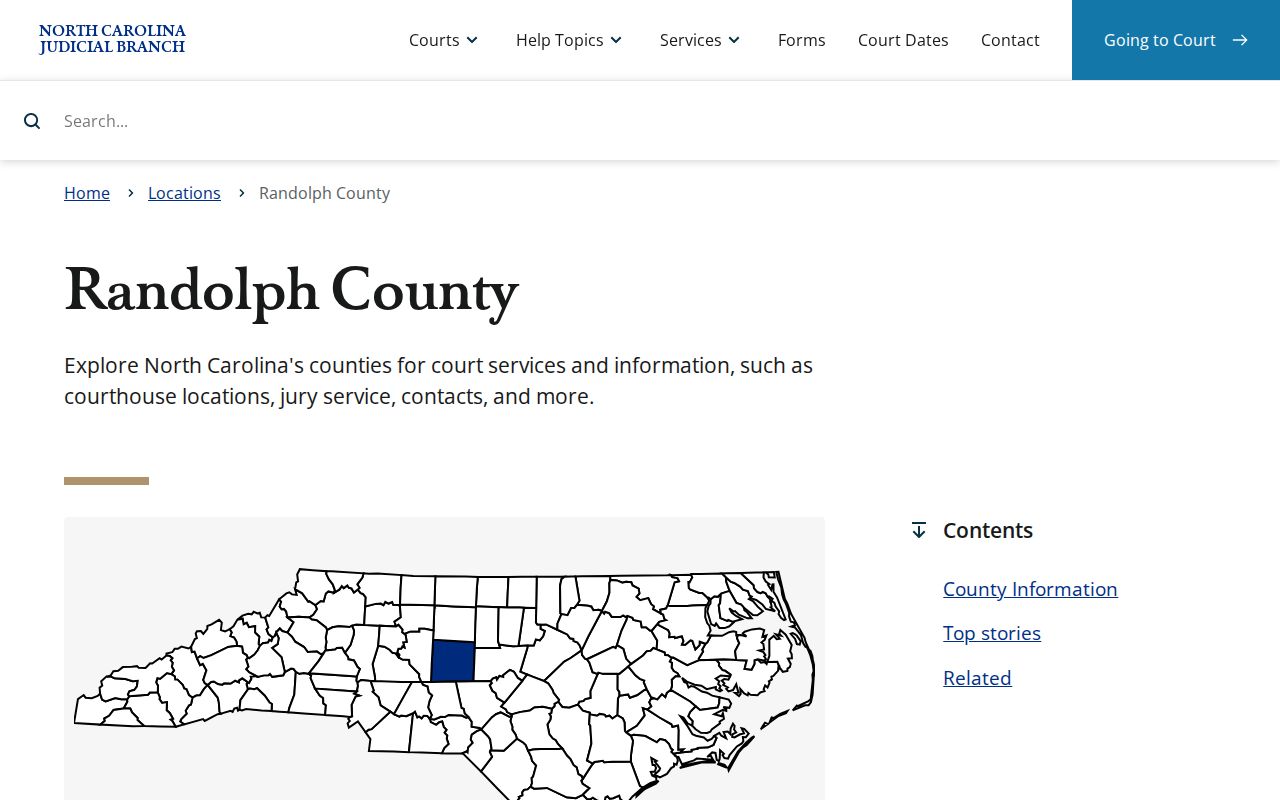
Limits on a case search protect records. They say nothing about any person or case.
How the Clerk Keeps Docket Records
The Randolph County Clerk of Superior Court keeps the local case files. That covers both Superior Court and District Court. Public criminal, civil, family, estate, special-proceeding, small-claims, and related docket records all sit there. Portal information can help you identify the right case. When you need the official record itself, the clerk provides plain or certified copies. Inside the clerk office, self-service terminals let the public run criminal searches by defendant, case number, victim, or witness. The same terminals support civil, special-proceeding, and estate research. Paper files are viewed in the county where they were filed. Before requesting copies, ask about the case number, document title, date range, plain or certified copy, delivery method, total charge, and processing estimate.
Randolph County Clerk of Superior Court
176 E. Salisbury St., Suite 201
Asheboro, NC 27203
336-328-3100
Clerk hours: 8:30 a.m. to 5 p.m. weekdays
Randolph Courthouse Access Before a Visit
The courthouse anchors in-person records work for both trial divisions. You will find it at 176 East Salisbury Street in Asheboro. Building hours run 8 a.m. to 5 p.m. on weekdays. The clerk office opens at the later time of 8:30 a.m. Need an older document, a terminal search, or a certification? The clerk counter is the main fallback. The official courthouse page states that ordinary cell phones, computers, multimedia devices, and cameras cannot enter the building. That rule matters if you plan a terminal visit. Bring identifying details on paper, and confirm current security practice before you travel. Juror parking sits apart from the large public lot. The official courthouse image offers a helpful orientation for an in-person record request.
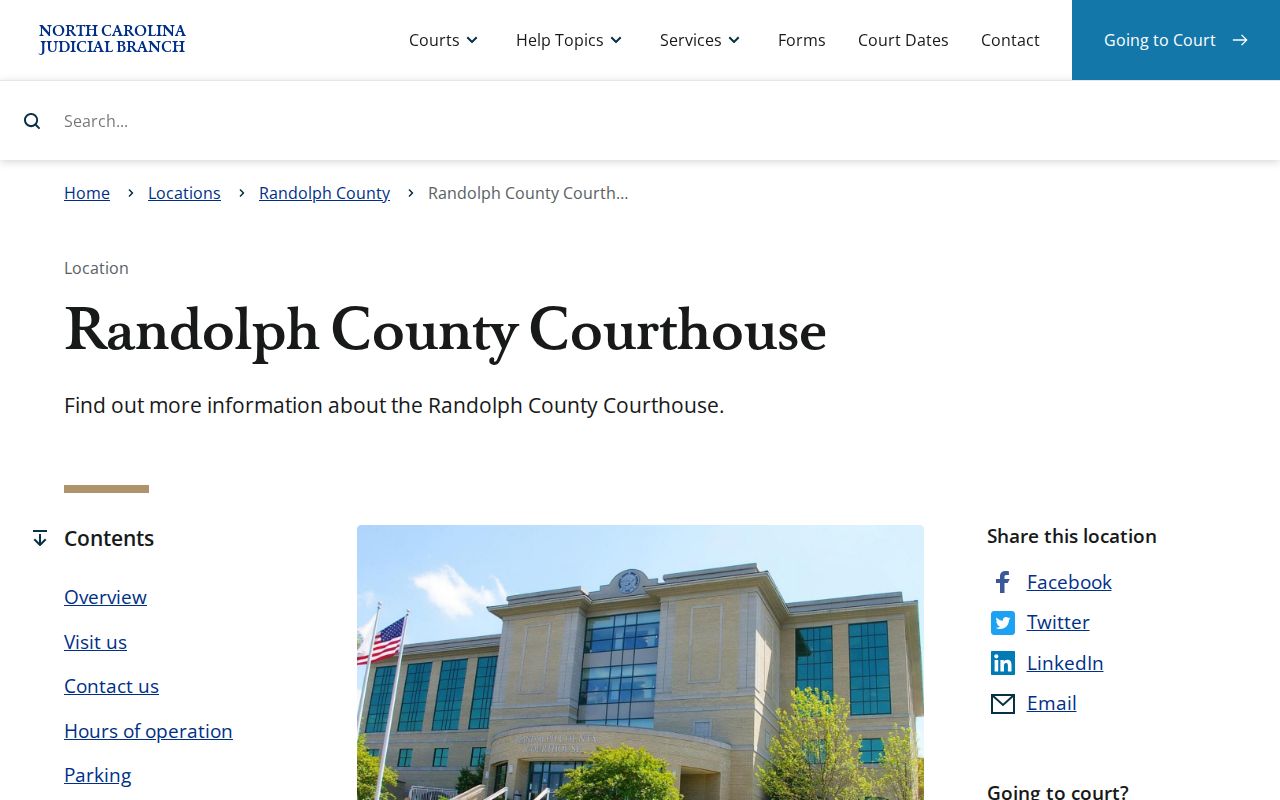
Take a state court file held in Randolph to the clerk office. A city police office or general county department is not the right stop.
Randolph Veterans Treatment Court Docket
Randolph County runs one confirmed specialty program: Veterans Treatment Court. It is a voluntary, court-supervised track lasting 13 to 18 months. The county limits it to qualifying veterans and active-duty members facing nonviolent felony or misdemeanor charges. Participants must also have stated treatment needs. Who gets in? The district attorney screens each potential participant for this specialized criminal docket.
Know the record boundary here. The underlying criminal case can still show public docket activity. Review hearings happen in an open courtroom. Treatment and medical details keep their own confidentiality protections, though. A case search will not hand you the program materials. The specialty docket's existence does not change that.
The official county information page situates this docket within the wider Randolph County court structure.
Programs like this one show why a public Case Summary is not the same thing as a complete case file. Protected information stays protected.
City-by-City Court Dockets in Randolph County
Asheboro, Archdale, Trinity, Randleman, and Liberty are the five incorporated places in the OSBM July 1, 2024 municipal estimates. None of them runs its own municipal court search or city ticket-payment portal. State cases from these towns share one court system. The District Court, the Clerk of Superior Court, and eCourts serve all of Randolph County.
Archdale needs one extra check. The town sits in both Randolph and Guilford counties. Read the county named on the citation before you choose Randolph for a docket search. A local police report is not the state court Case Summary. A town record is not one either. Neither counts as a clerk-certified court file.
For the lay of the land, the federal Census place map shows the boundaries of Randolph County's incorporated communities.
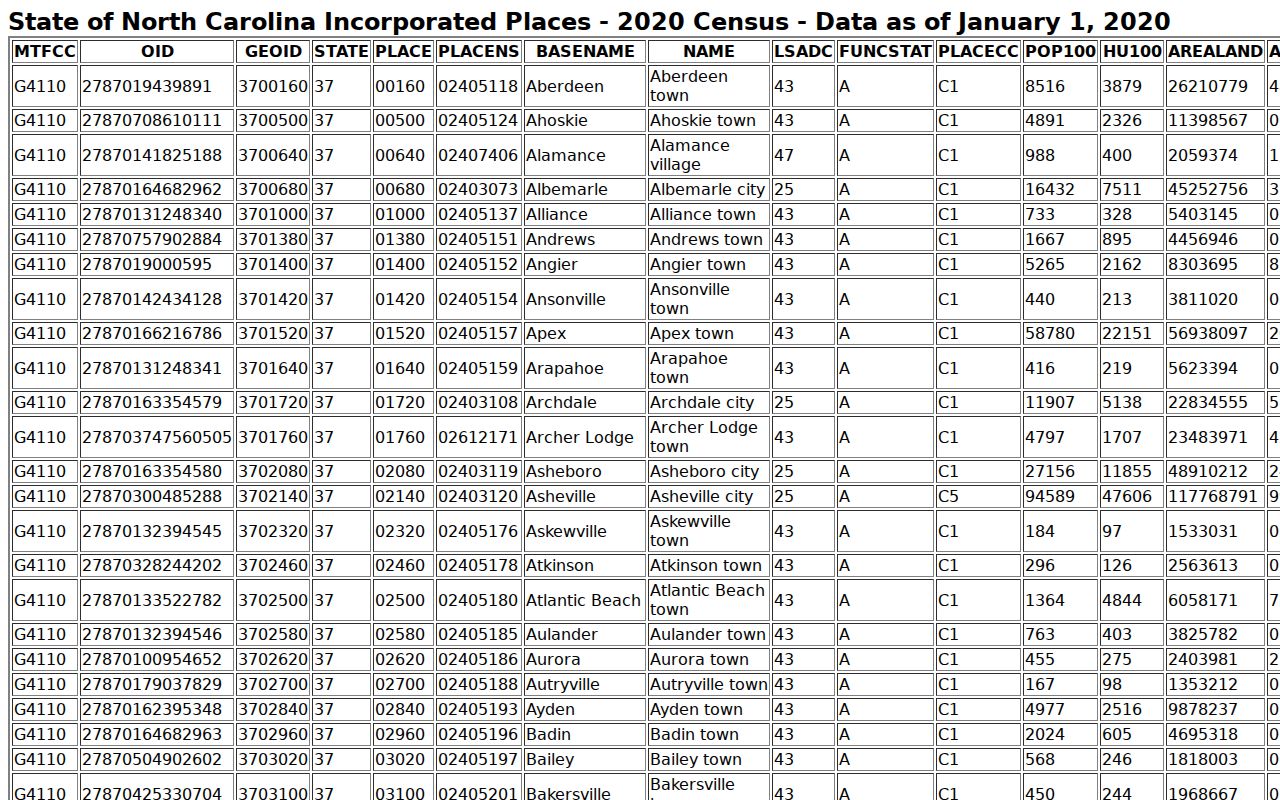
City boundaries can change the proper court search path, especially in Archdale.
Asheboro Court Records
28,051 residents in the 2024 OSBM estimate; the county courthouse is in Asheboro.
Archdale Court Records
12,169 total residents; confirm whether a citation belongs in Randolph or Guilford.
Trinity Court Records
7,155 residents; state court matters follow the county path.
Randleman Court Records
4,711 residents; no standalone city court portal was documented.
Liberty Court Records
2,679 residents; the Clerk and Portal hold the state court route.
Randolph Court Statistics Need Context
One courthouse and one clerk structure handle Randolph County's court business. The 2025 Census estimate puts the population at 149,516. That work spans criminal, civil, traffic, family, estate, and clerk matters. For real filing and disposition numbers, skip the guesswork. Use the county-filtered NCAOC Case Statistics Dashboard instead of guessing at a caseload figure.
The state dashboard announcement describes a purpose-built tool. It covers filings, dispositions, pending cases, and aging measures. Filtering by county gives you Randolph-specific court records data. A loose statewide comparison would tell you little about this county's actual docket load. That is why the official announcement points users to the filtered view.
Use a current county-filtered report when a court-volume figure is needed.
Randolph Jury Service and Case Access
Jury service lives at the same courthouse, but it is not a docket-search channel. The county's jury-service information covers its own administrative route. A jury notice will not hand you a case file, a court date, or a Case Summary for some other matter.
Match each question to the right channel. Use Portal and Search Hearings to find a public case or hearing setting. The clerk handles court-file access and certification. The jury office handles jury administration only. That separation saves you a trip between offices in the same building, and the official jury-service resource shows how this courthouse function sits apart from the Randolph court docket system.
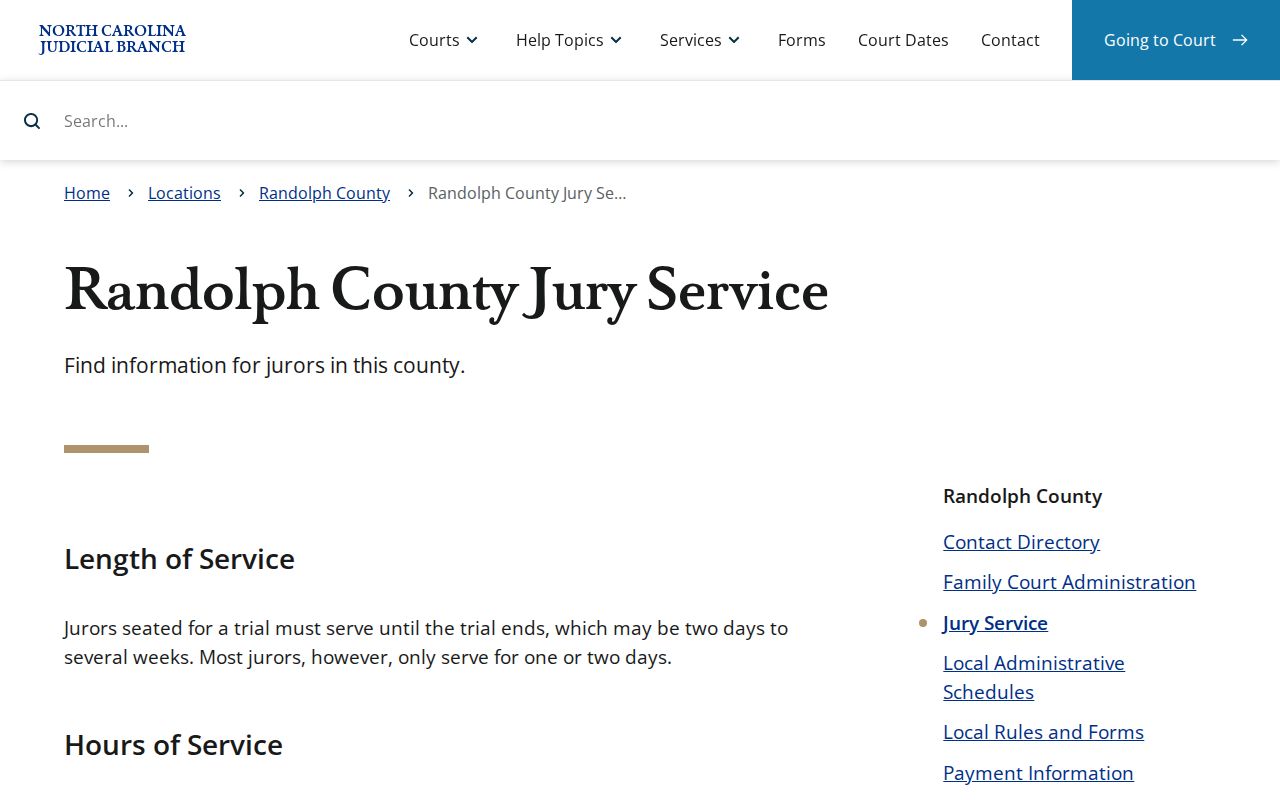
Record requests stay with the clerk. Even when another courthouse office plays a part in your visit, court-file access and certification remain a clerk function in Randolph County.
Map and Directions to the Randolph County Courthouse
Superior Court and District Court files for Randolph County are kept at the Randolph County Courthouse, 176 East Salisbury Street, in Asheboro. The Clerk of Superior Court's counter is on the second floor, Suite 201, and handles both trial divisions along with estates and special proceedings. Building hours run 8 a.m. to 5 p.m. weekdays, but the clerk counter itself opens at 8:30 a.m., so a records visit should follow the narrower clerk hours rather than the building's opening time.
Randolph County Courthouse
176 E. Salisbury St., Suite 201
Asheboro, NC 27203
336-328-3100
Clerk hours: 8:30 a.m. to 5 p.m. weekdays; building hours 8 a.m. to 5 p.m.
Juror parking is in a separate lot to the right when facing the front of the building, apart from the main public lot. The courthouse prohibits cell phones, computers, other multimedia devices, and cameras, so plan to take notes on paper. The Bailiff's Information Desk, 336-318-6474, and the Clerk's ADA line, 336-328-3100, are the published disability-access contacts.