
Name-Based Case Searches
Begin with Smart Search on the official North Carolina eCourts Portal. Choose Randolph County, or run a statewide query and narrow the location after. Type in a person or business name. The matching results then let you separate close names using court assignment and case details. One caution applies to criminal matters. The public system is party-based, so a charge word alone will not pull anything up. Expect a common name to return more than one case.
Try the full known name first. Under the official wildcard rules, a case wildcard requires at least four characters. A last-name wildcard needs at least three. A first-name wildcard needs just one. Public users can also filter by location, party name, and available date of birth information. Case type, status, and filing-date range work as filters too. Any date of birth shown to the public is masked to the year.
- Open Smart Search in the eCourts Portal and choose Randolph County for a local docket search.
- Enter the record number or party name, using the prescribed wildcard length only when a partial name is necessary.
- Use Advanced Filtering Options to narrow by location, party information, case type, case status, or filing-date range.
- Open the likely result and confirm Case Information, Assignment Information, Party Information, and the court division before reading events.
- Use Search Hearings, the Clerk, or the court office when the question is a current Randolph County date or an official record.
| Field label | Type | Required | Randolph County notes |
|---|---|---|---|
| Record Number or Name | Text | Yes for basic search | Use a known number or a party name; criminal searching is party-based. |
| Location | Selector | Optional unless narrowed | Select Randolph County or the applicable location. |
| Party name | Text | Optional | Public search can use a name and available date-of-birth filtering. |
| Case Type | Selector | Optional | Civil Actions, nonconfidential Special Proceedings, Estates, or Criminal Actions. |
| Case Status and Filing Date | Selector and date range | Optional | Use the live Portal controls for current options and range rules. |
Randolph County Docket Search Smart Search
Smart Search is the main public Randolph County docket search route. It delivers the near-real-time Case Summary, also known as the Register of Actions. No registration is needed for a basic public lookup. Registering is optional and mainly lets you save cases to My Cases. The Portal also provides Search Hearings for current calendars. NC Judgment Search covers judgment indexes.
Read a result in order once it opens. Case Information and Assignment Information tell you what the matter is and which court holds it. Party Information lists the participants. Civil, family, probate, and mental-health matters may show Causes of Action. Case Events give the dated chronology, while hearings, dispositions, and financial information appear when applicable. Treat it as the online map of a Randolph County court record. It is not a promise that every underlying document is public or available.
The official Portal training resources walk through the search functions. They also show how the public can use Smart Search.
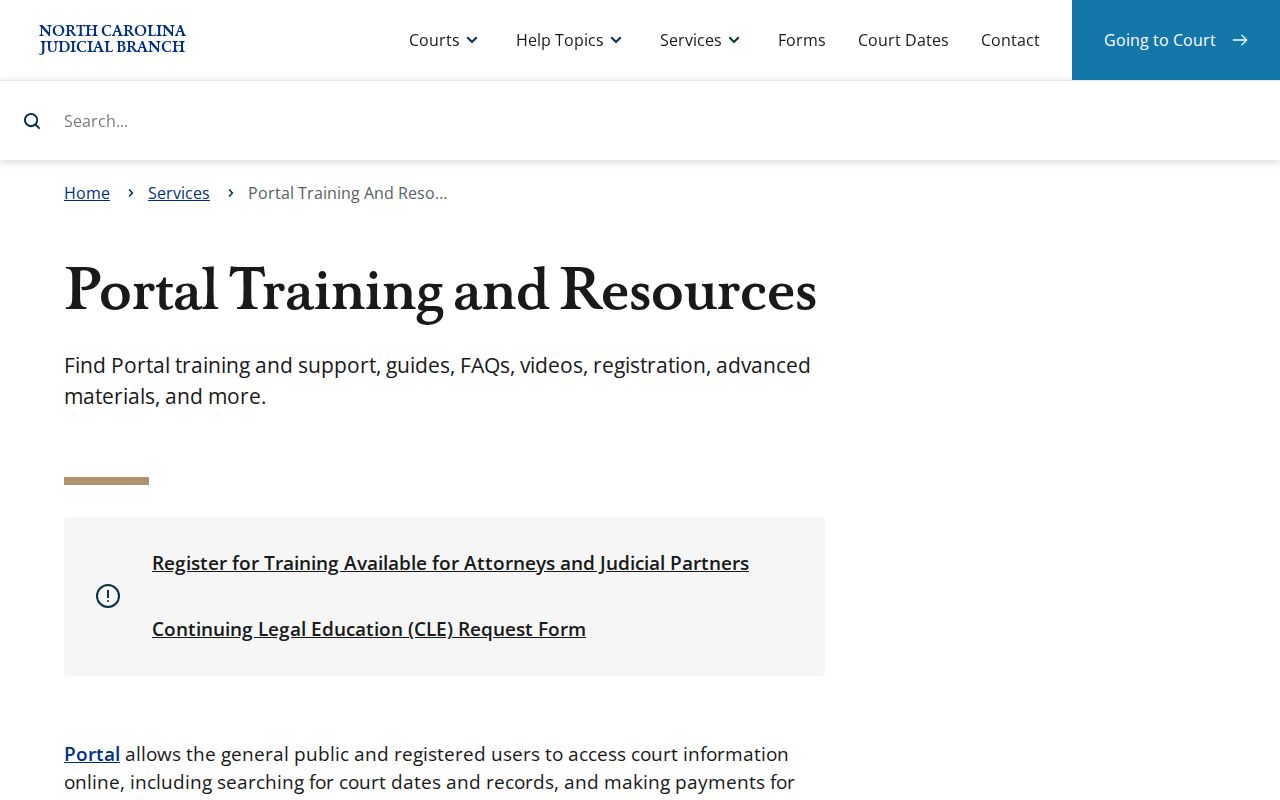
The training material points to a careful Randolph County sequence: find the record, narrow it, then read the Case Summary instead of trusting a name alone.
Randolph County Docket Search Wildcards
Wildcard use is limited by the Portal's published search rules. A Randolph County case-number wildcard requires at least four characters before the asterisk. A last-name wildcard needs at least three, and a first-name wildcard needs at least one. Whenever you can, enter a complete case number or full name instead. Then filter the results by location and case information.
Wildcards help with a shaky spelling. They do not open up a charge search. The Portal's criminal lookup stays party-based. So a Randolph County search still hinges on a person or case identifier.
Case Number Searches
A known number is the sharpest input for a Randolph County docket search. Enterprise Justice numbers have four parts. The parts are a two-digit year, case-type letters, a six-digit sequence, and a three-digit county identifier. The official example is 21CR000003-910. Randolph County's identifier is 750, so real local numbers end with that county code. Never build a number from a name, charge, or filing year.
That number points straight to one case. It pulls up its court assignment, Case Events, hearings, dispositions, and any financial information. Watch for transfers and appeals, though. A moved or appealed matter can carry a later or linked number. So an old one may miss part of the path. A District Court appeal to Superior Court, for instance, raises a separate Superior docket question.
Randolph County Docket Search Number Terms
The four-part Enterprise Justice structure guards against a common Randolph County search error. The year marks the case-number year. The letters mark a case type. The sequence separates one matter from another, and the final three digits mark the county. That county suffix does not hand you a complete case history. It just steers the query to the right county context.
Smart Search takes the actual record number as typed. Without it, a name search plus filters is the right fallback. The Portal FAQ warns that a criminal case cannot be searched by charge. So a proper Randolph County party query beats guessing an offense label. It also beats trying to derive a number you have not verified.
- Case Summary
- The Portal’s public view of core case information and the Register of Actions.
- Register of Actions
- The dated list of docketable Case Events in a Randolph County case.
- Assignment Information
- The case block that identifies the assigned court context.
- Disposition
- The recorded case or charge outcome that should be read with its current docket context.
Randolph County Docket Search Conversion
Randolph County moved to Portal, Enterprise Justice, and eFiling on October 14, 2024. Migrations leave marks. A filing made during that window could be stamped before Portal finished indexing it. Some converted events in a Randolph County docket show a 12:00 AM time. Treat that time as an artifact of the move. It does not mean anyone set a hearing for midnight. For a current court date, rely on Search Hearings rather than reading a setting into converted Case Events. The eCourts transition changed how the public reaches a Randolph County docket search. But the Clerk still keeps the official local record.
Case Search Results Explained
Open a public Randolph County Case Summary. You get a stack of fields: case and assignment details, parties, Case Events, hearings, dispositions, and financial information where it applies. Civil, family, probate, and mental-health cases may also list public Causes of Action. Date-of-birth display stays limited to the year where recorded. Read the result as a collection of fields. Do not read it as one verdict or a current-date answer. Case Events run in order. A hearing event can sit in the past while the matter stays open. A disposition records an outcome; financial information shows court money data that applies. Search Hearings answers the current-setting question. Only the court can confirm the balance. A balance may have changed after the last public update.
| Case Information | Basic case description and status data. |
|---|---|
| Assignment Information | The court or judicial assignment context. |
| Party Information | The listed participants and roles. |
| Case Events | The dated Register of Actions chronology. |
| Hearings | Scheduled-hearing information; use Search Hearings for the current calendar. |
| Disposition and Financial Information | Outcome and applicable court financial fields where the public record provides them. |
Randolph County Docket Search Documents
Three different Randolph County records matter here: a Case Summary, a filed document image, and a certified copy. Portal shows public documents when available. Public summaries or images normally appear within minutes of upload, subject to processing. A document can be missing for several reasons. It may not be public. It may not be uploaded yet. It may be too large, or may live only in the clerk file. Downloads work one at a time. Portal has no bulk multi-document download. File & Serve is the eFiling tool, while Portal is the public route for reading and search. Electronic filing does not make each Randolph County filing public online. The official File & Serve entry point names the filing system that runs alongside eCourts.
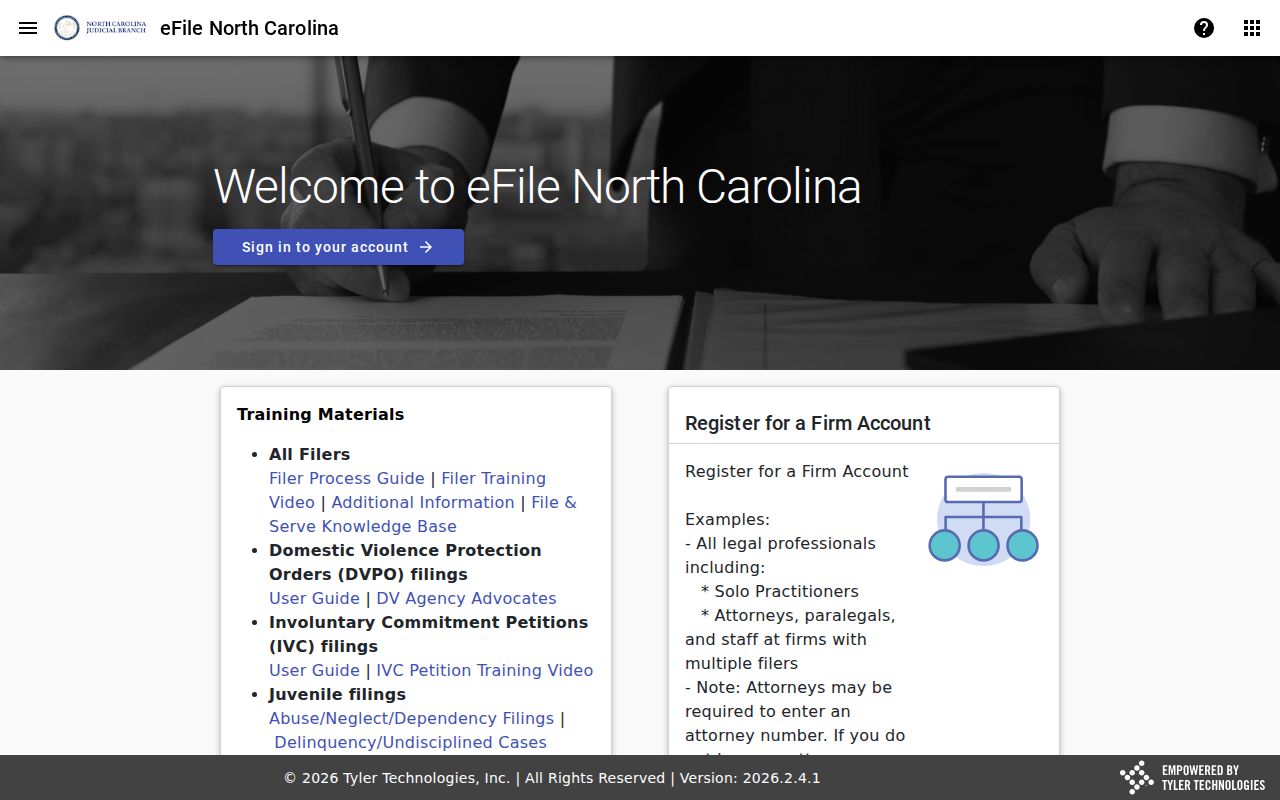
The filing-system page separates how a case enters the court. It also separates how a public Randolph County Case Summary or public document gets read. Need a document for official use? Ask the Randolph County Clerk for a plain or certified copy. Give the case number. Give the document or event title, the date range, and the copy type you want.
Two Ways to Search: County and State
Randolph County has no case-search portal of its own beyond the statewide eCourts system. Smart Search is the statewide gateway for eCourts counties. Pick Randolph County there. The docket search narrows to the county record path. That choice works well when the court of filing is known. A broader state search helps when the county is uncertain. Check the results for the actual court and case number before trusting them.
| Statewide Smart Search | Randolph County-selected Smart Search |
|---|---|
| Searches participating eCourts locations through the public Portal. | Uses the same Portal with Randolph County selected or used as a filter. |
| Useful when the filing county is uncertain. | Useful when the Randolph court path is known. |
| May produce broader name matches. | Helps narrow party results to the county context. |
| Still provides a public Case Summary, not the official record. | Still requires the clerk for an official Randolph County copy or certification. |
County selection cannot override a different venue. If a case was filed in another North Carolina county, search and request it through that court's record path, even when a party has a Randolph County address.
Randolph County Docket Search Judgment Index
For judgment-index questions, NC Judgment Search is a separate Portal layer. Its results can include a case number. Disposition status, index date and time, parties, and judgment comments may appear too. Smart Search remains the fuller route to a Randolph County Case Summary. Treat a judgment-index hit as a lead. Return to Smart Search when you need events, hearing information, parties, or other public case context. North Carolina also runs a Remote Public Access Program. The licensed program offers real-time statewide data and extracts. That program is separate from ordinary anonymous Portal searching. The official Remote Public Access Program information explains the licensed route.
Even so, the licensed program does not replace public Smart Search. For an ordinary Randolph County case or hearing inquiry, the public route still stands.
Randolph County Docket Search Access Layers
Think in access layers. A public Randolph County Portal search, a Clerk counter search, and licensed remote access are three of them, and each behaves differently. Smart Search delivers the public Case Summary when the case is public. The clerk's public terminal and paper file are the fallback for an older or non-visible record. Licensed statewide access is not the ordinary public-search route. Every layer has limits. Portal is not the official record. A Clerk copy may carry lawful fees, and licensed remote access follows separate rules. Start any Randolph County case request with the least complex route that answers your record question.
Which Cases Stay Restricted
Plenty of Randolph County cases never show up in a public docket search. State law keeps juvenile records confidential. Expunged adult cases drop out of the Portal entirely. The Clerk cannot hand over that old file as a routine request afterward. Sealed, sensitive, and certain protective-order or warrant material sits outside ordinary public Portal access too. So a blank result marks a legal limit on access. It is not proof that a case or a person is absent.
The public view has other guardrails. Date of birth is masked to the year. Social Security number validation is not supported. Elevated access goes only to users with statutory authority or a genuine business need. Bring any court-file question to the Randolph County Clerk. Restricted material moves only under the governing law or a court order.
Access rules:
N.C.G.S. §7A-109 requires clerks to maintain court records, files, dockets, and indexes, subject to restrictions set by law.
N.C.G.S. §15A-151 makes expunction files confidential and tightly limits disclosure.
N.C.G.S. §7B-3000 restricts public inspection of juvenile court records.
Randolph County Docket Search No-Result Checks
Run a disciplined Randolph County check before assuming anything. Check spelling first. Confirm the county you selected and how the case number is built. Also check whether you ran a party search instead of a charge search. From there, work through the permitted filters and the current hearing tool. Pre-Odyssey events were converted when Randolph County entered eCourts in October 2024. A converted entry can carry a 12:00 AM time stamp that means nothing. A transition-era filing may also carry an early file stamp. Portal indexing had not yet caught up with it.
Still unclear? Use the Clerk's public terminal or the paper file. You can also call the Clerk at 336-328-3100. Statewide guidance backs this up: clerk offices keep public terminals. Paper files stay open in the county where the case was filed. The Randolph County court case records page comes in next. Once the right case turns up, it lays out copy and certification routes.
Remember the bottom line. A missing Portal record can stem from several causes. It might be a wrong county, a restricted case, an expunction, an older file, or an input error. It does not always mean no case exists.