
Randolph County Criminal Docket Searches
Smart Search returns a public Case Summary for a Randolph criminal case. A full case number works best. With no number, try a party name. Pick Randolph. Advanced Filtering adds a Criminal Actions category when a name alone pulls too much. Remember that the Portal searches by party, not by charge keywords. For an upcoming appearance, open Search Hearings. Choose Criminal. You can query it by case number, party, attorney, bar number, judicial officer, or courtroom. If the public results look unclear, use the clerk terminal or pull the file. Then call the correct Randolph court office about a current setting.
- Open Smart Search and enter the case number or party name.
- Narrow the location to Randolph and choose Criminal Actions when needed.
- Confirm Case Information and Assignment Information.
- Read Case Events, Hearings, Dispositions, and Financial Information in date order.
- Use Search Hearings or the court office to confirm the newest criminal setting.
Randolph Felony Dockets in Superior Court
Felony charges in Randolph belong to Superior Court. District Court handles most misdemeanors and infractions, including traffic. Confirm this division as soon as a Case Summary comes back, because it tells you which office to call, which calendar to read, and whether a later appeal could open a new docket record. The official District Court description from the state courts explains the misdemeanor and infraction side of the system. Superior Court keeps the felony cases plus certain appeals. Magistrates do limited preliminary criminal work as District Court officers. There is no separate searchable local justice court here. The state resource shows which trial division holds most Randolph criminal docket activity.
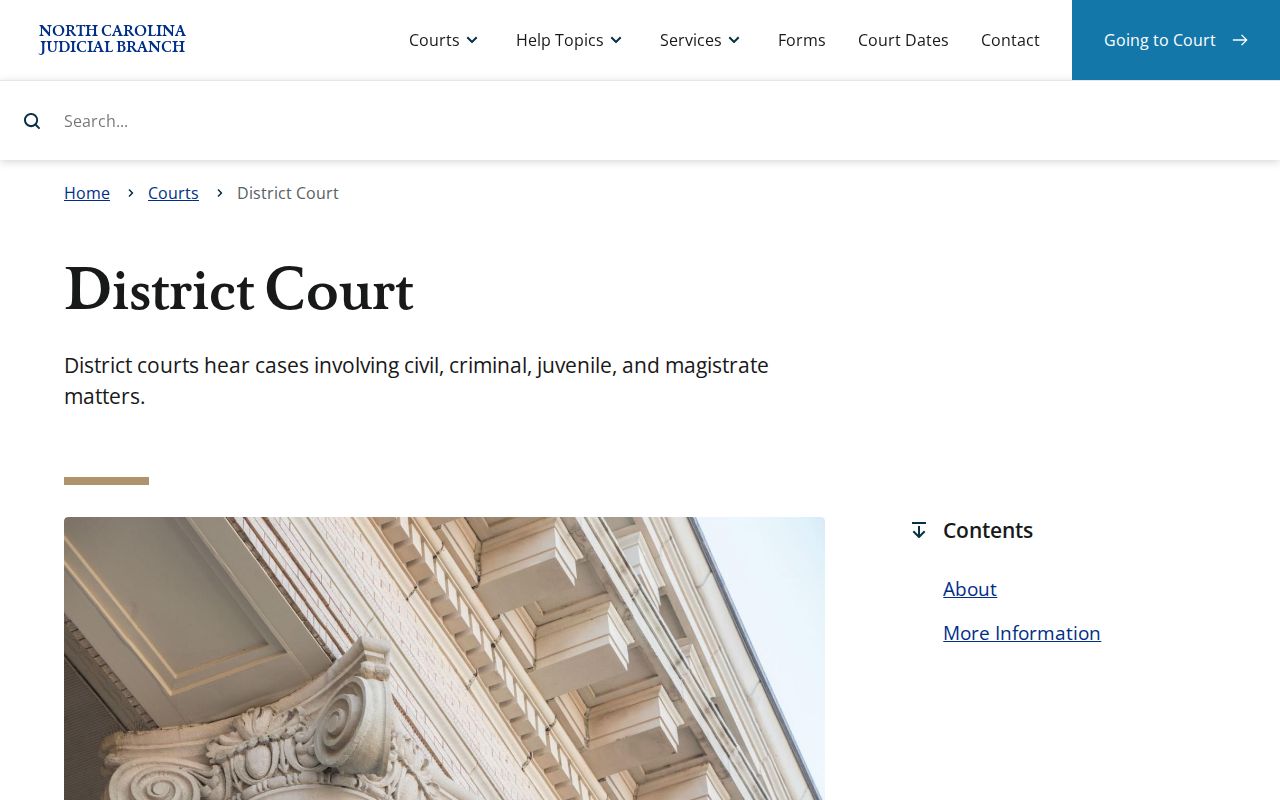
Picking the right trial division sharpens a criminal docket search. Confirm Superior Court or District Court before asking the clerk for any record.
Criminal Dockets: What They Show
A public criminal Case Summary may include Case Information, Assignment Information, Party Information, Case Events, Dispositions, Hearings, and Financial Information where applicable. The dated Case Events list is the Register of Actions. It records docketable actions. It does not promise that every document image or every private case detail appears online. Check the court assignment first. Then follow the dated events in order. A warrant or criminal-summons entry can show more. It may show issuance, service, an unserved return, reset to unserved, or recall. An old hearing can linger after a continuance. So trust a current Search Hearings result for the active time and place.
| Case Information | Case number, description, and status data. |
|---|---|
| Assignment Information | The trial division or assignment connected to the criminal matter. |
| Case Events | Chronological docket activity, including event history. |
| Hearings | Hearing information; confirm a current setting separately. |
| Disposition | The recorded outcome or result where shown. |
| Financial Information | Applicable costs, fines, restitution, or other displayed balances. |
Criminal Actions Filter in Randolph Portal
Smart Search offers Advanced Filtering Options for general location, party information, and case information. The official training lists Criminal Actions as one of the category filters. Apply it after entering solid basic criteria, never in place of the correct county and party name. A full case number still narrows best. Public search is free. No account is required to run one. Registration stays optional, and it mainly adds the My Cases tracking feature. Results may mask the year of a recorded date of birth. Social Security number validation is not available. Portal images appear only when public. Each one downloads separately. The official eCourts launch announcement confirms the October 2024 Portal and Enterprise Justice transition behind a Randolph criminal search.
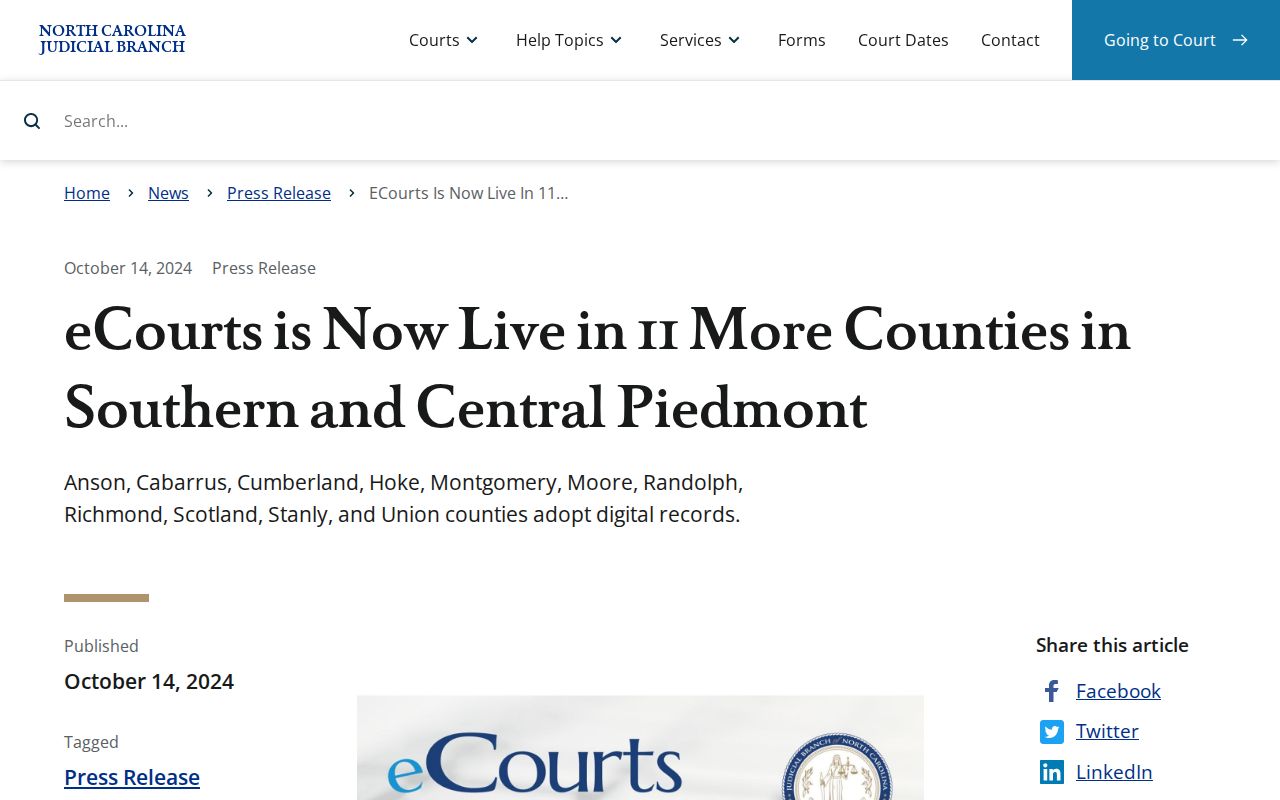
eCourts now supplies one public Case Summary route. Clerk-held records remain the official copy path. The Portal FAQ sets out the access limits that frame any online criminal docket result.
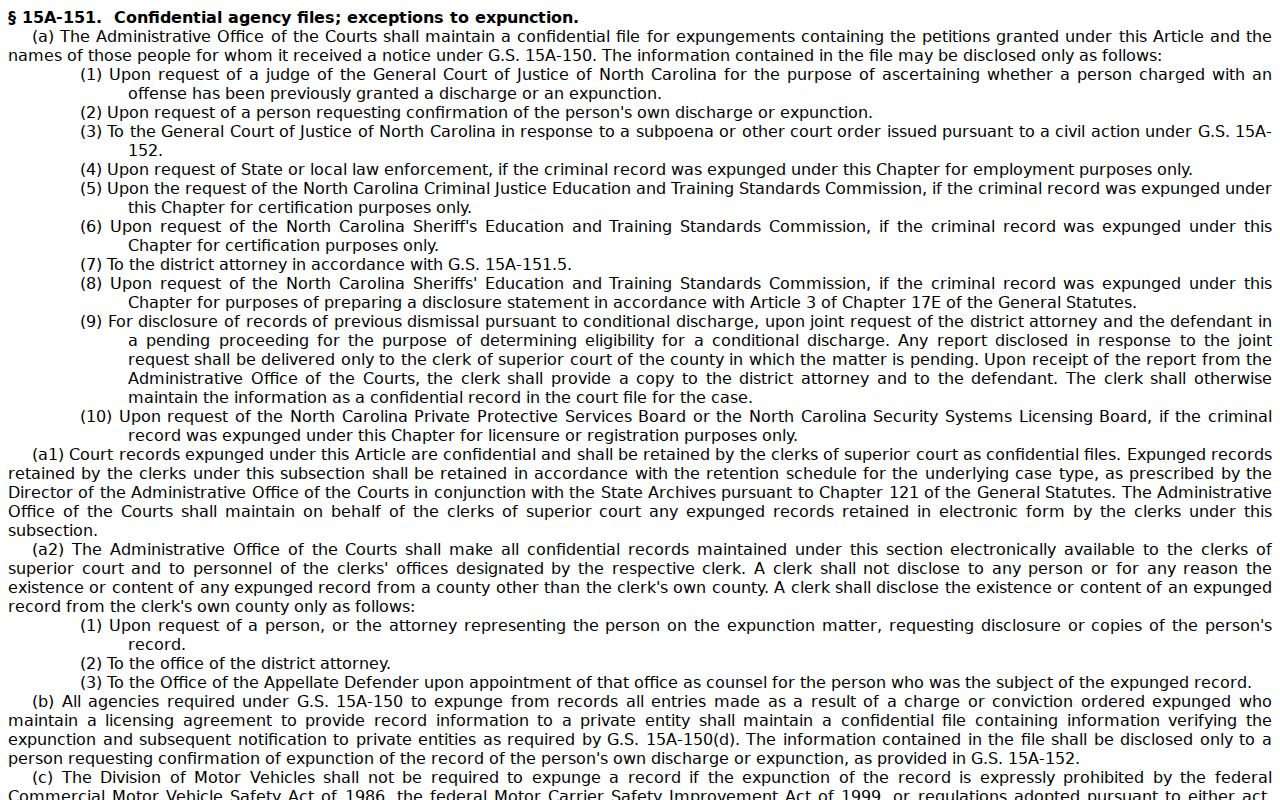
An unavailable online image is not an official no-record answer. The FAQ limits and the clerk fallback keep a Randolph searcher from reading a missing image that way.
Criminal Case Stages on the Docket
Criminal Case Events can trace a case's public path, but the exact wording varies. A Randolph court record often moves from filing or charging activity to arraignment, pretrial work, a plea or trial, a disposition, and sentencing. The stages are not fixed labels. Read the actual Case Summary. Trust the court assignment, not a guessed local abbreviation.
Process: Filing or charging → arraignment → pretrial → plea or trial → disposition → sentencing. An arraignment is the proceeding where an accused is formally called on to answer a charge. A disposition is the recorded outcome. Neither term alone tells a reader the current hearing date.
- Arraignment
- A criminal proceeding where the accused answers a charge.
- Plea
- A criminal response to a charge.
- Disposition
- The result or recorded status of a charge or case.
- Continuance
- A court-approved postponement to a later setting.
Live Randolph Criminal Settings
A criminal Case Summary can hold an old hearing entry. That history helps. But it will not answer the real question: the next time and place. Use eCourts Search Hearings with Randolph selected, Criminal as the hearing type, and the relevant date range. You can search by case number, party, attorney, judicial officer, or courtroom. Then check the result against Smart Search Case Events. Check the Randolph local schedules too. For a conflict or a late change, call Superior Court at 336-328-3191, District Court at 336-328-3270, or the Clerk at 336-328-3100. A continuance is a newer setting. The prior docket history still stands.
Randolph County Criminal Docket Courts
Which Randolph County court holds a criminal docket depends on the charge. Felonies belong to Superior Court. Misdemeanors and infractions go through District Court. Traffic tickets sit on that same District Court record path. Magistrates handle certain preliminary matters. They work as District Court officers, though, so Randolph County has no second clerk system hiding behind them.
Every one of these trial-court files lives with the Randolph County Clerk of Superior Court. Court and clerk share the Asheboro courthouse, yet their jobs split cleanly: judges hear the matters, and the clerk keeps the records and certifies copies. A Portal screen only shows information. For an official record, the clerk-issued copy is the route that counts.
| Randolph criminal venue | Usual docket subject | Confirmation route |
|---|---|---|
| Superior Court | Felony matters and qualifying appeals | Portal, Superior Court, Clerk |
| District Court | Misdemeanors, infractions, traffic | Portal, District Court, Clerk |
| Magistrate | Limited preliminary criminal work | Clerk or magistrate contact |
Randolph Veterans Treatment Court
Randolph County's one confirmed specialty criminal docket is the Randolph County Veterans Treatment Court. The county lays out a voluntary, court-supervised program running 13 to 18 months. It serves eligible veterans and active-duty members. They face nonviolent felony or misdemeanor charges and also have stated treatment needs. The district attorney screens each potential participant.
One caution matters here. Public review hearings do not convert treatment or medical details into an ordinary public record. The underlying criminal case can still carry public Case Summary entries. Protected program material stays behind its own confidentiality boundary. That is why a criminal docket search sometimes returns less than expected.
The county's own program page explains the specialty-docket rules in full.
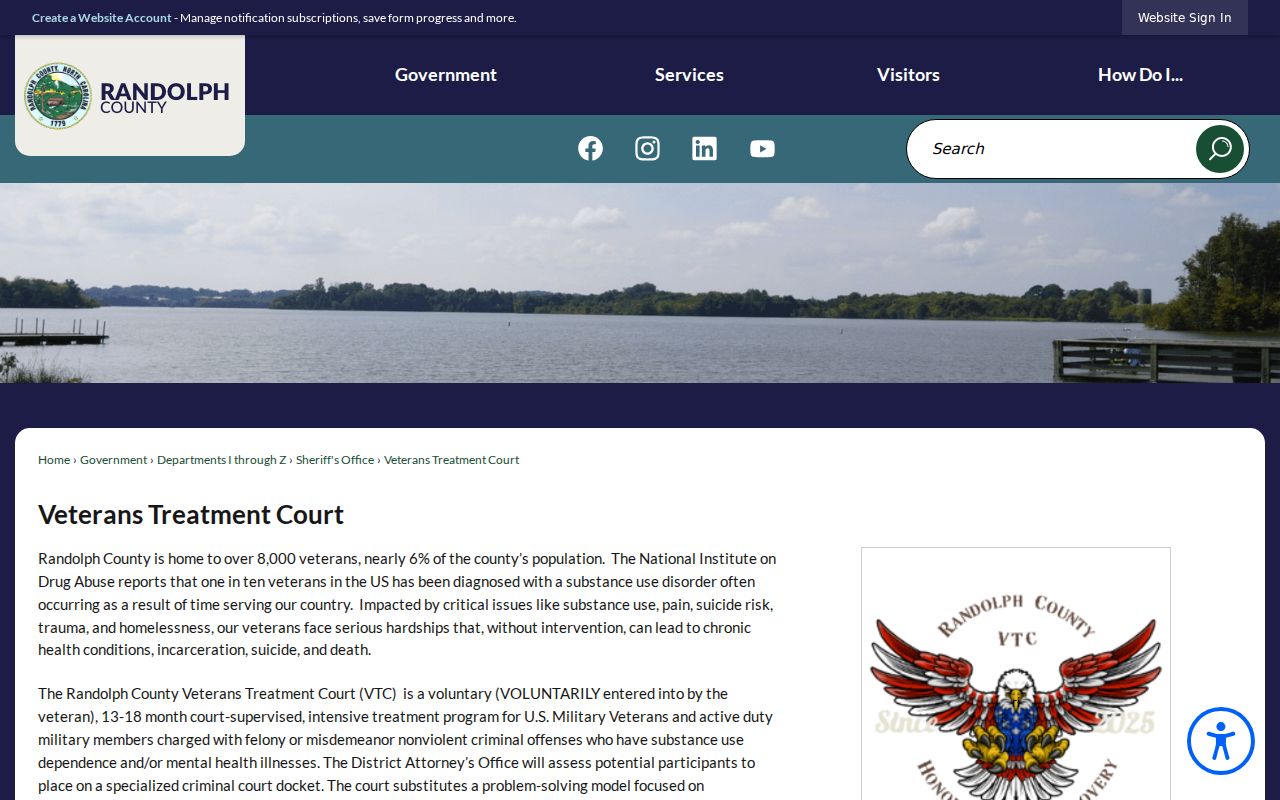
This specialized docket sits inside the county criminal court system while keeping protected treatment information out of public view.
New-Trial Appeals Change the Docket
A criminal District Court appeal works differently than most people assume. It is a brand-new trial in Superior Court. So a District Court docket alone has limits. It will not show every later step in the case. Watch for a linked assignment, a Case Event, or a separate Superior Court case number. Confirm the connection with the clerk. Do that when the appeal path matters.
Records deserve the same care. A transcript, a clerk copy, and a Portal summary are three different requests. They are not three names for one thing. Transcript inquiries go to the local court reporter at 336-328-3155. Clerk or digital-recording audio follows the applicable statewide process when a recording exists, though District Court criminal matters are not routinely recorded in every circumstance.
The court and clerk, not a Portal display, confirm the current appeal posture of a Randolph criminal case.
Access Rules for Criminal Dockets
North Carolina law generally opens clerk-maintained dockets and records to public inspection unless another law says otherwise. That does not make every criminal record public. Sealed files, confidential material, juvenile matters, expunction files, and certain protective-order and warrant information carry limits that ordinary Portal access cannot lift.
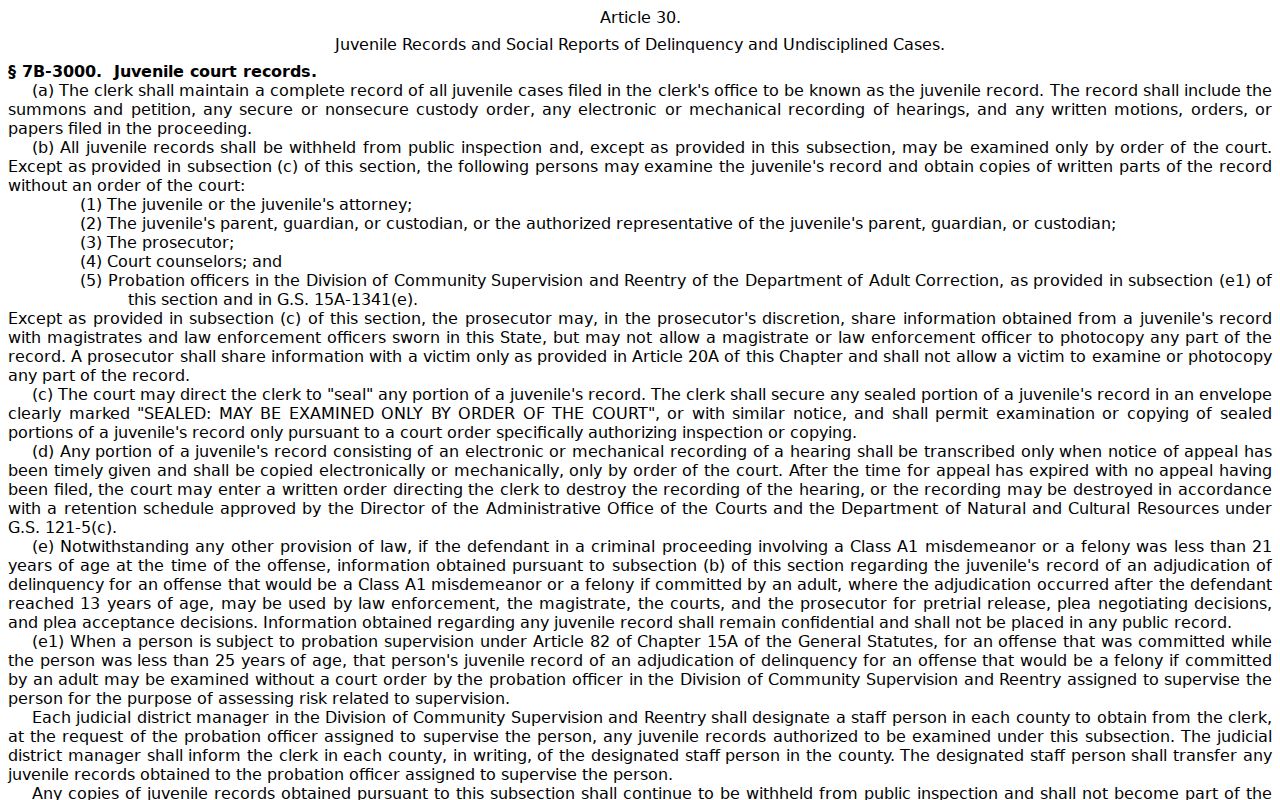
Three statutes frame these boundaries. An expunged criminal file is confidential under N.C.G.S. §15A-151. Juvenile court records are withheld from public inspection under N.C.G.S. §7B-3000. The clerk's duty to maintain public court records rests on N.C.G.S. §7A-109.
Public-record limit: Portal is not the official record, and an unavailable result may reflect a legal restriction, an expunction, wrong criteria, or a clerk-file question. Ask the Clerk of Superior Court about the proper authorized channel.
The statute resource documents why a public docket search has legal access boundaries.
A criminal court docket is public in most cases. Still, it answers a court-record question and never replaces official confirmation from the court or clerk.